Openers · Springwater
Garage Door Remote and Keypad Programming
Your remote was in the visor when the car was broken into last night.
In plain words
Not every dead remote needs programming, so the visit starts by ruling out the simple things. The wall control may be in lock mode, which tells the opener to ignore all remotes and shows as a blinking indicator. The coin cell may be flat, or its contacts corroded. LED bulbs in the opener's own sockets can drown the radio signal so the remote works only at arm's length. The antenna wire may be tucked away. A known-good remote is tested against the receiver, and only when the receiver answers it does programming of your controls begin.
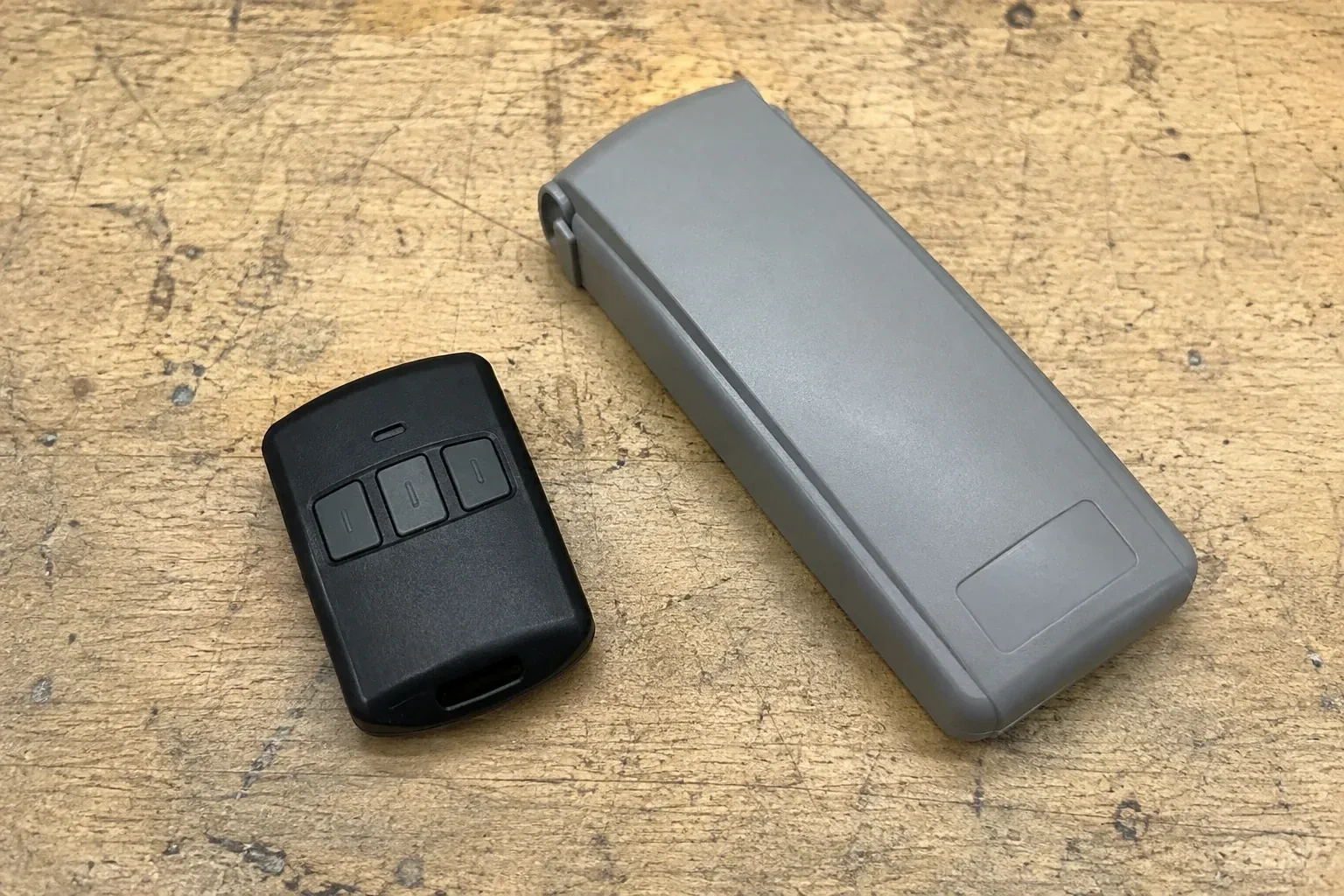
How the visit goesThe opener is an older one with a row of tiny switches inside the remote. The last remote finally died, the maker stopped selling that model years ago, and the door itself still runs perfectly from the wall button.
Garage Door Remote and Keypad Programming
How the visit goes
Range, bulbs and the antenna
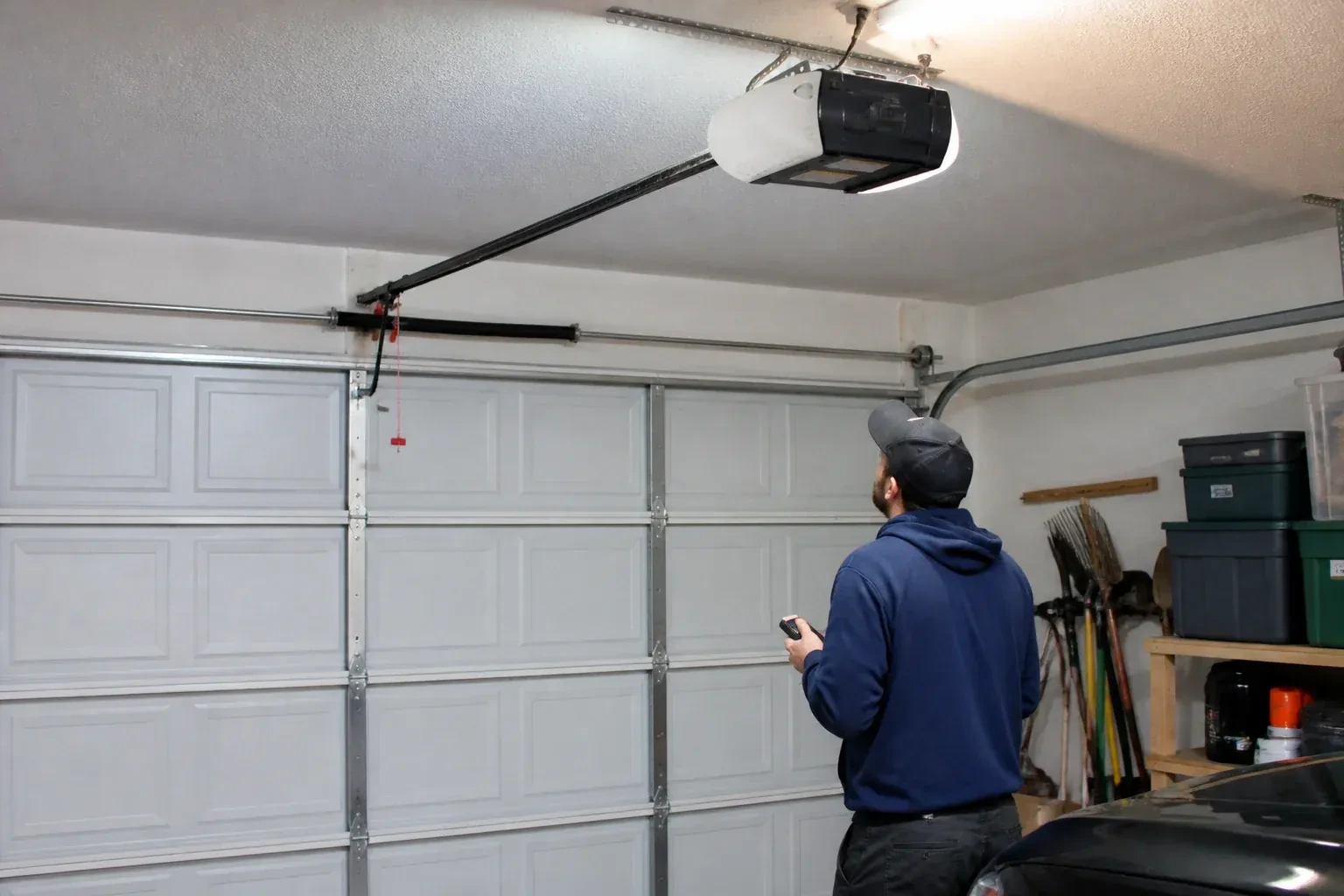
When remotes work only from directly beneath the opener, the technician checks the radio environment. LED bulbs, especially ones screwed into the head unit's own sockets, can emit noise that swamps the receiver, and swapping in a different bulb often restores range on the spot. The antenna wire should hang straight down from the head unit, not be coiled up or tucked behind the cover. Nearby electronics, a new metal shelving unit or a car parked with its own transmitter can also matter. A range test with a fresh remote at set distances puts numbers on the problem before any part is blamed.
Adding a remote to the memory
With a compatible remote in hand and the opener confirmed ready, pairing is a short exchange. The technician presses and releases the head unit's learn button, which opens a programming window of roughly half a minute, then presses the chosen remote button until the opener light blinks or the unit gives a click. That button now opens the door. A second button can be tied to a second door or a gate the same way. Each remote is tested from the driveway and from beside the door, and the process is repeated for every device on the list so nobody is left with a control that half works.
Every control tested in your hand
Before the technician leaves you operate each device yourself: the remote from each car, the keypad with your new code, the vehicle button from the driver's seat, the wall control. You see the door open fully and close to a gentle seal from each one. If a remote has two or three buttons, you know which door or gate each drives, and a small label says so. You also watch the reversal tests performed, so you know the door backs off an obstruction and stops for the sensor beam. Nothing is left as something to try later on your own.
Garage Door Remote and Keypad Programming
In the van
Low-interference replacement bulbs
AAA and nine-volt keypad batteries
In-vehicle compatibility bridge module
CR2032 and CR2016 coin cells
Universal multi-generation remote
Garage Door Remote and Keypad Programming
What affects the quote
Clearing and rebuilding the memory
Erasing all stored controls after a move or a loss, then reprogramming every remaining device and vehicle, takes longer than adding one remote, and the quote says so.
Batteries supplied
Coin cells for remotes and the small cells in keypads are counted per device when the technician supplies them, and noted so you know what to buy next time.
Access to the head unit
A high ceiling, a storage loft or a car that cannot be moved from under the opener means extra ladder work to reach the learn button.
What to have ready
- Do you own the home, rent it, or is the garage shared with other units?
- How many cars need built-in buttons trained, and what model years are they?
- Roughly how old is the opener, and can you read its model label?
Garage Door Remote and Keypad Programming: questions
QuestionsWhat is rolling code and why does it matter for programming?
Most openers made from the mid-1990s on change their code every time a remote is pressed, choosing from billions of possibilities, so a copied code is usually useless next time; the technician confirms the actual system from the model, not age. Programming matters because the opener has to learn each remote's sequence at the learn button; a remote cannot simply be set to match. Older fixed-code openers, set by small switches, can be upgraded with an add-on rolling-code receiver.
Can I give a visitor or cleaner a code that stops working?
Many keypads allow a temporary code alongside your main one. It can be set to expire after a chosen number of hours, up to several days, or after a set number of openings. Once expired it no longer opens the door, though on some models it can still close it. That suits a cleaner, a trade or a house-sitter better than sharing the main code, and it can be set again whenever needed.
How do I program the built-in button in my car?
Often in two steps, on a common HomeLink-style setup. First the car learns a working handheld remote: hold the remote close to the mirror or console and press its button together with the vehicle button until the indicator changes. Then the opener learns the car: press learn on the head unit, walk back to the car within the window that follows, and press the trained button repeatedly until the door responds. Some vehicle systems use a different sequence with no handheld remote, so the vehicle manual is checked first.
Related services
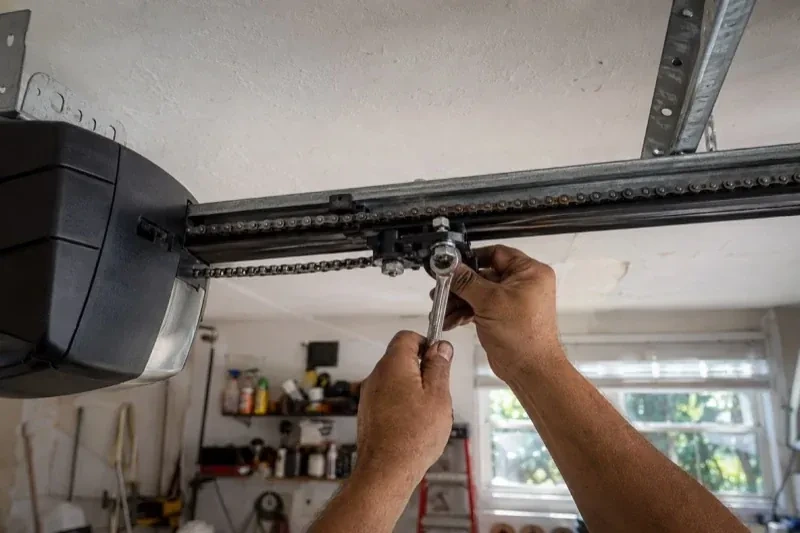
- Chain-Drive Opener RepairThe chain hangs in a loop under the rail and slaps against it on every cycle.
- Belt-Drive Opener RepairThe door used to glide up with a soft hum.
- Garage Door Opener ReplacementSince the storm the door behaves oddly: it reverses halfway down for no reason, the light flickers, and the travel limits drift so it either slams or stops short.